Optimizing Monitor Positioning
Precise control over viewing distance, height, angle, focal depth, and visual field to create a more coherent visual environment that reduces unnecessary physical and cognitive effort throughout continuous operations.
THE CHALLENGE
Positioning critical information within optimal view
Control room operators rarely interact with a single display. They monitor information distributed across monitors of different sizes, functions, priorities, and placement. The quality of that visual environment depends not only on whether each monitor can be seen, but on how naturally the entire array can be viewed and interpreted.

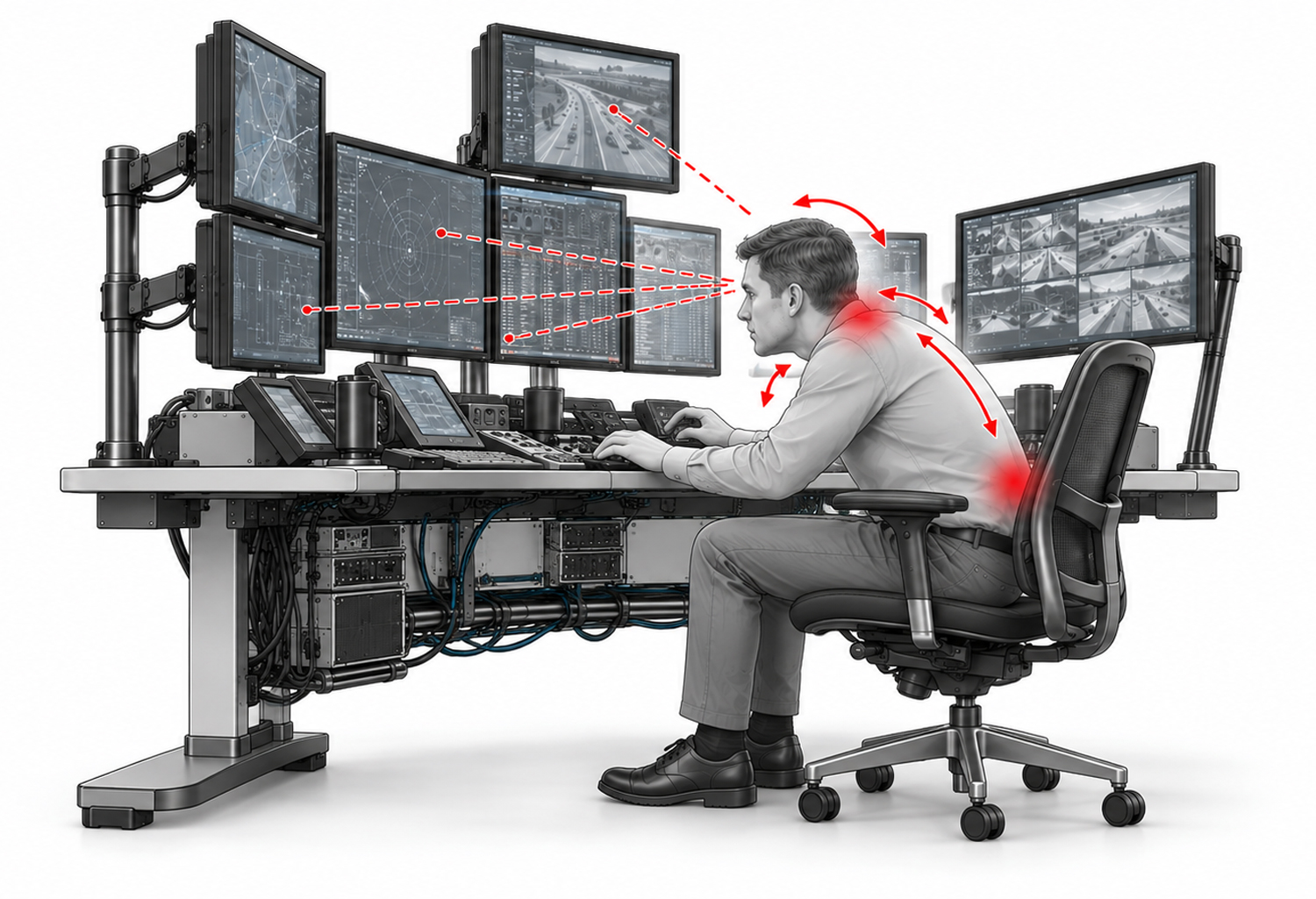
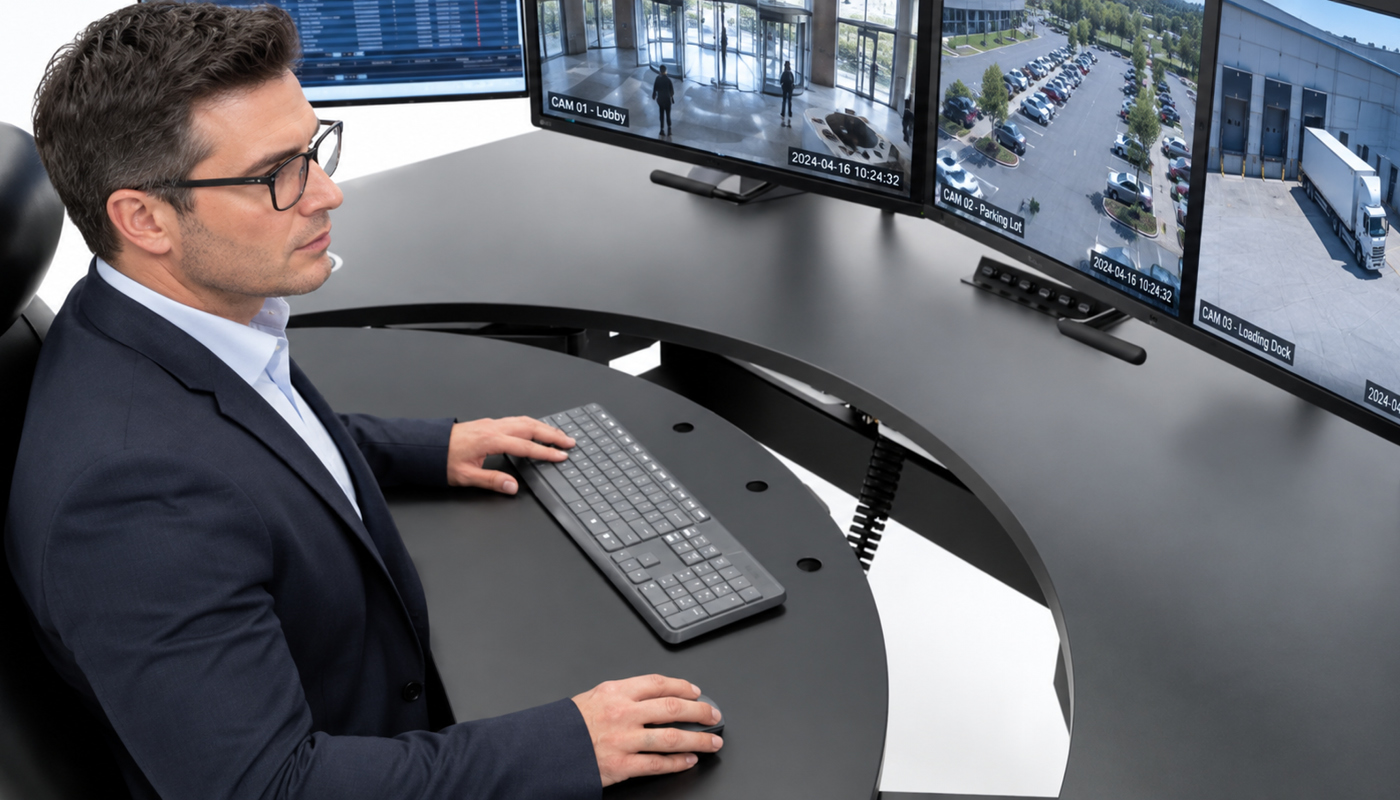
Focal depth, monitor height, viewing distance, screen angle, visual field, and console geometry work together to determine how naturally and effectively information is presented to the operator. When these relationships are poorly resolved, the operator may compensate through forward leaning, repeated neck rotation, excessive eye movement, or continual postural adjustment. The physical effort may be subtle, but its effects accumulate throughout extended shifts.

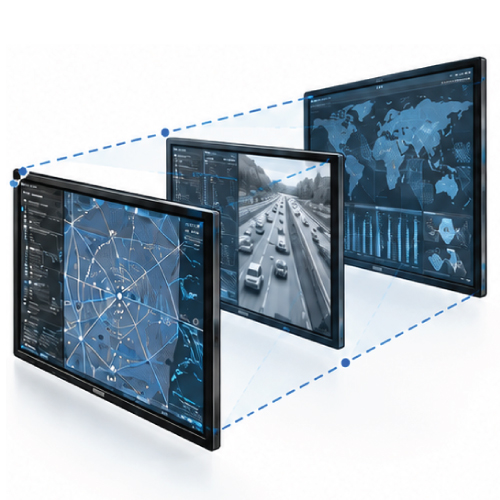
Focal depth
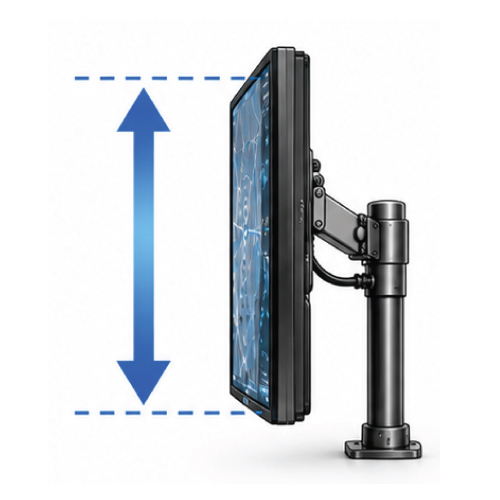
Monitor height
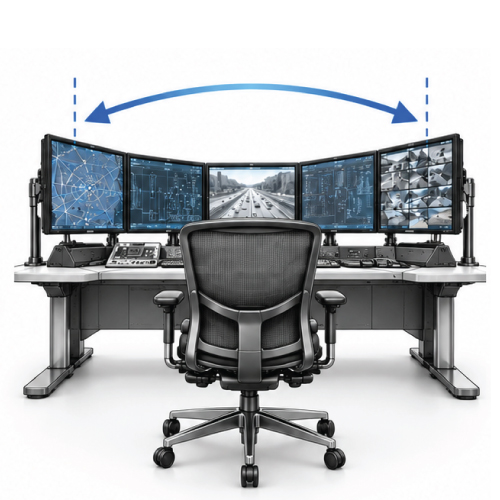
Visual field & console geometry
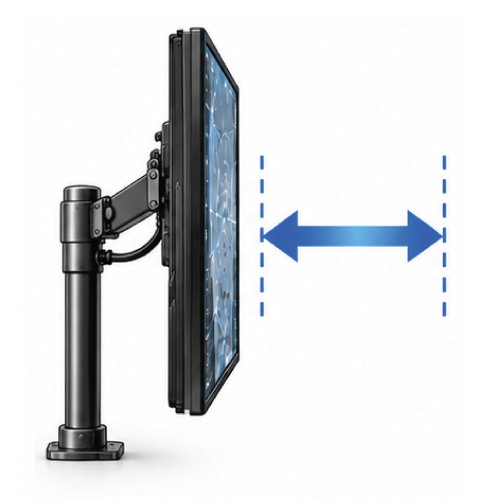
Viewing distance
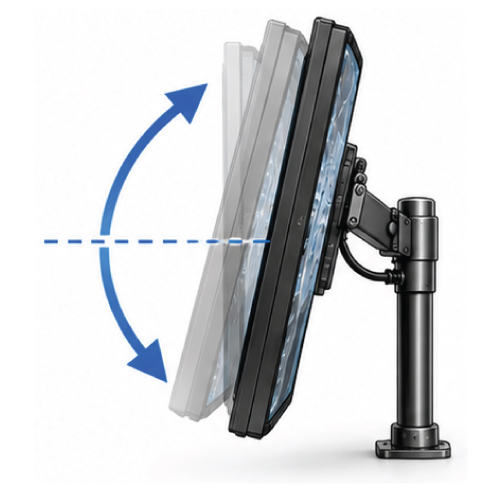
Monitor angle
THE OPERATIONAL CONSEQUENCES
When positioning falls short
A monitor can be visible without being optimally positioned. Screens that sit too high, too far away, at inconsistent depths, or outside a comfortable visual field require the operator to compensate through repeated leaning, reaching, refocusing, and head or neck movement.
The cost of making the operator compensate
These physical responses also create cognitive friction. When information is scattered across a poorly coordinated monitor array, the operator must expend additional attention locating the correct display, navigating between information sources, and maintaining awareness across a fragmented visual environment. Attention that should remain focused on changing conditions and mission critical decisions is redirected toward managing the interface.
When monitors fall outside a coherent visual field, the operator must repeatedly adjust posture, head position, and visual focus to access essential information causing neck pain, back pain, visual faitgue, and unnecessary cognitive load that draws focus away from mission critical tasks.
THE EVOLVE ADVANTAGE
ComfortView™ brings the visual environment to the operator
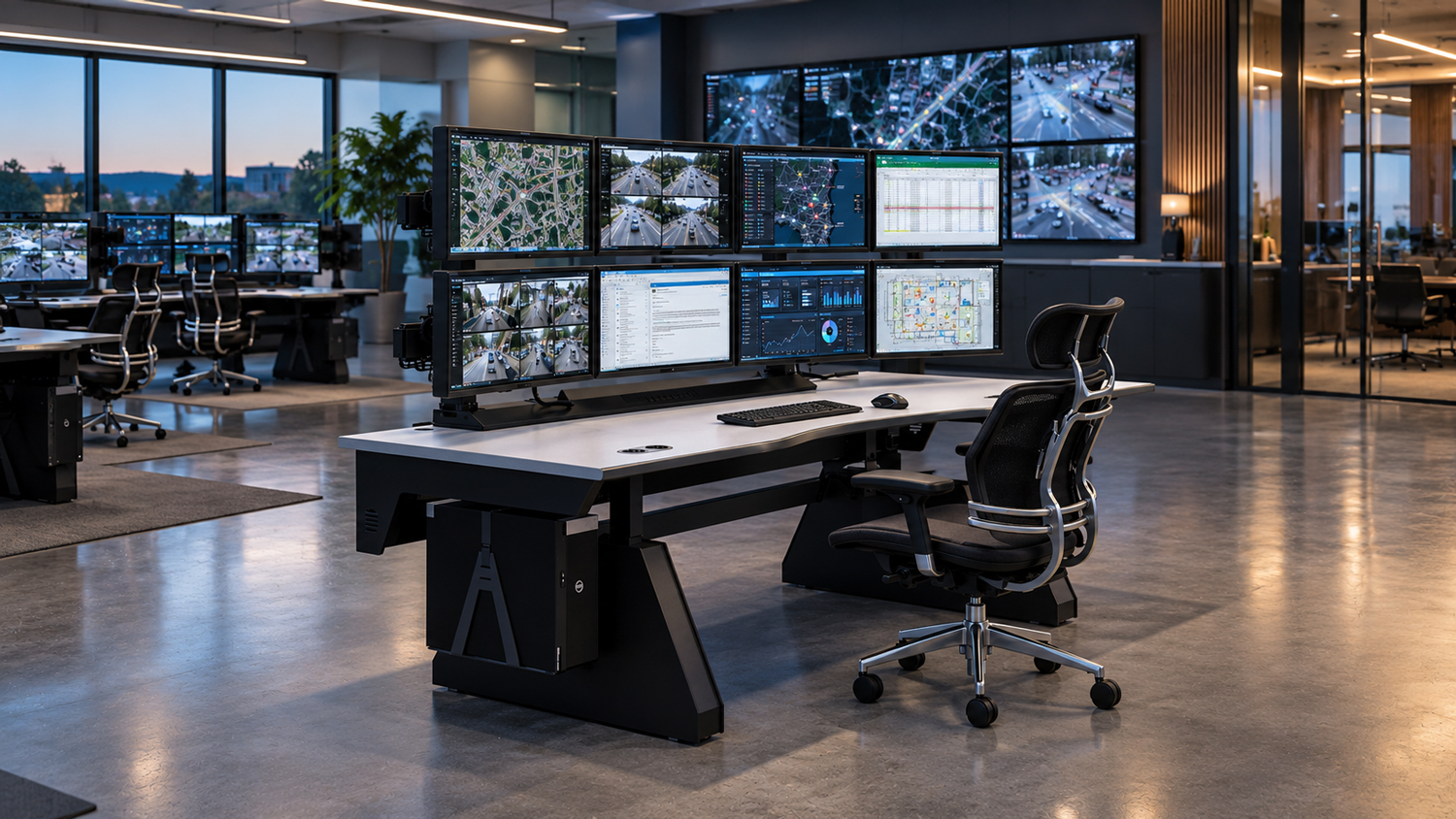
The RedRick ComfortView™ Monitor Mounting System gives Evolve consoles the capacity to support substantial and complex monitor arrays while preserving the precision required for individual ergonomic positioning.
Micro-adjustments within a coordinated visual system
In addition to allow each screen to be micro-positioned as an isolated object, ComfortView™ supports the monitor array as a coordinated visual system that can move anywhere along the desktop surface. Monitor height, distance, angle, focal depth, and configuration can be refined in relation to the operator, allowing critical information to be positioned within a more accessible and visually coherent field.
One cohesive ergonomic system
This capacity for adjustment is especially important in continuously operated environments where operators of different statures, visual requirements, and working preferences share the same console. The monitor environment can be repositioned as shifts change, tasks evolve, or display requirements are modified, without compromising the underlying ergonomic integrity of the console.
Preserved work surface
Elevating the monitor array above the console preserves valuable desktop space while keeping critical information readily accessible and minimizing intrusive mounting hardware within the operator's environment.
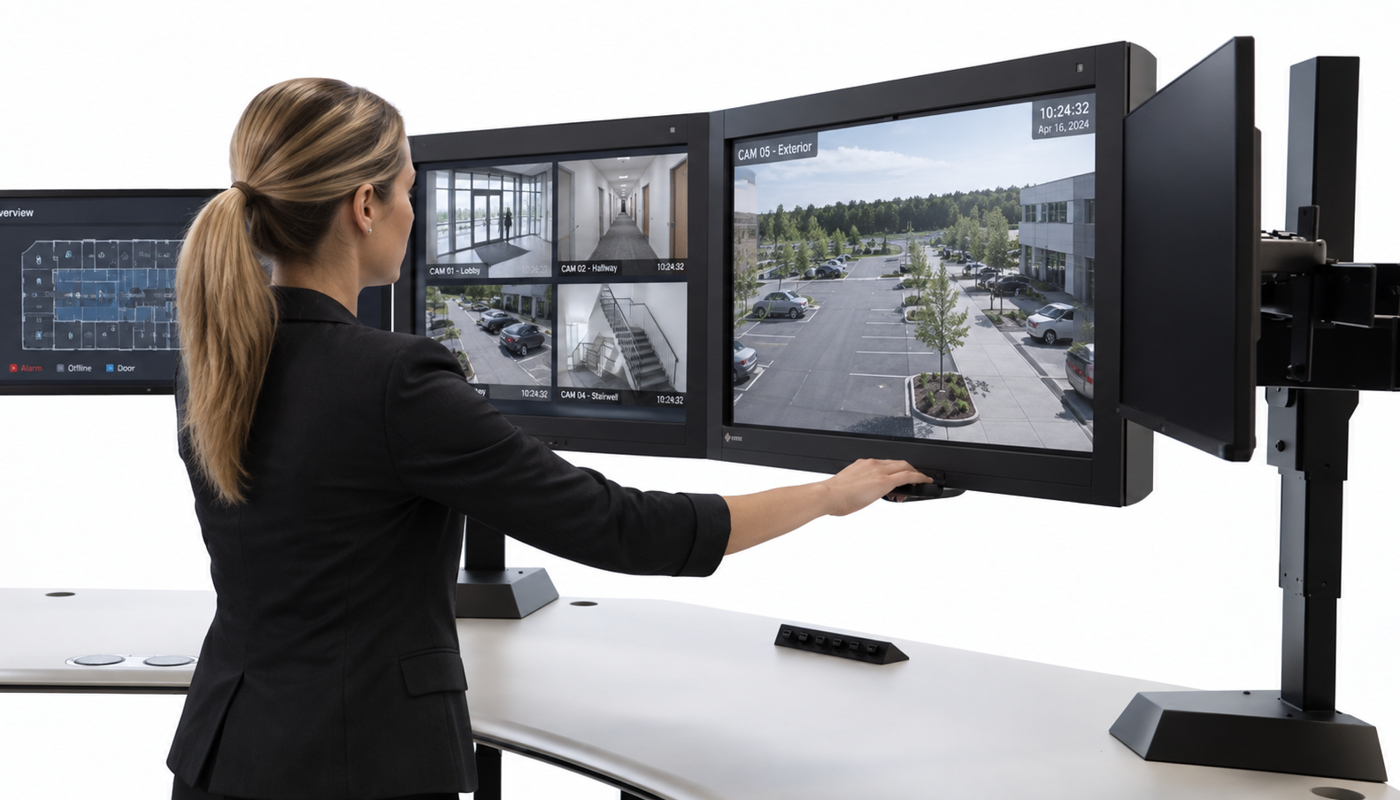
ComfortView™ transforms multiple displays, that can be independantly adjusted, into one coordinated visual environment that can be positioned anywhere along the desktop surface easily and with precision.
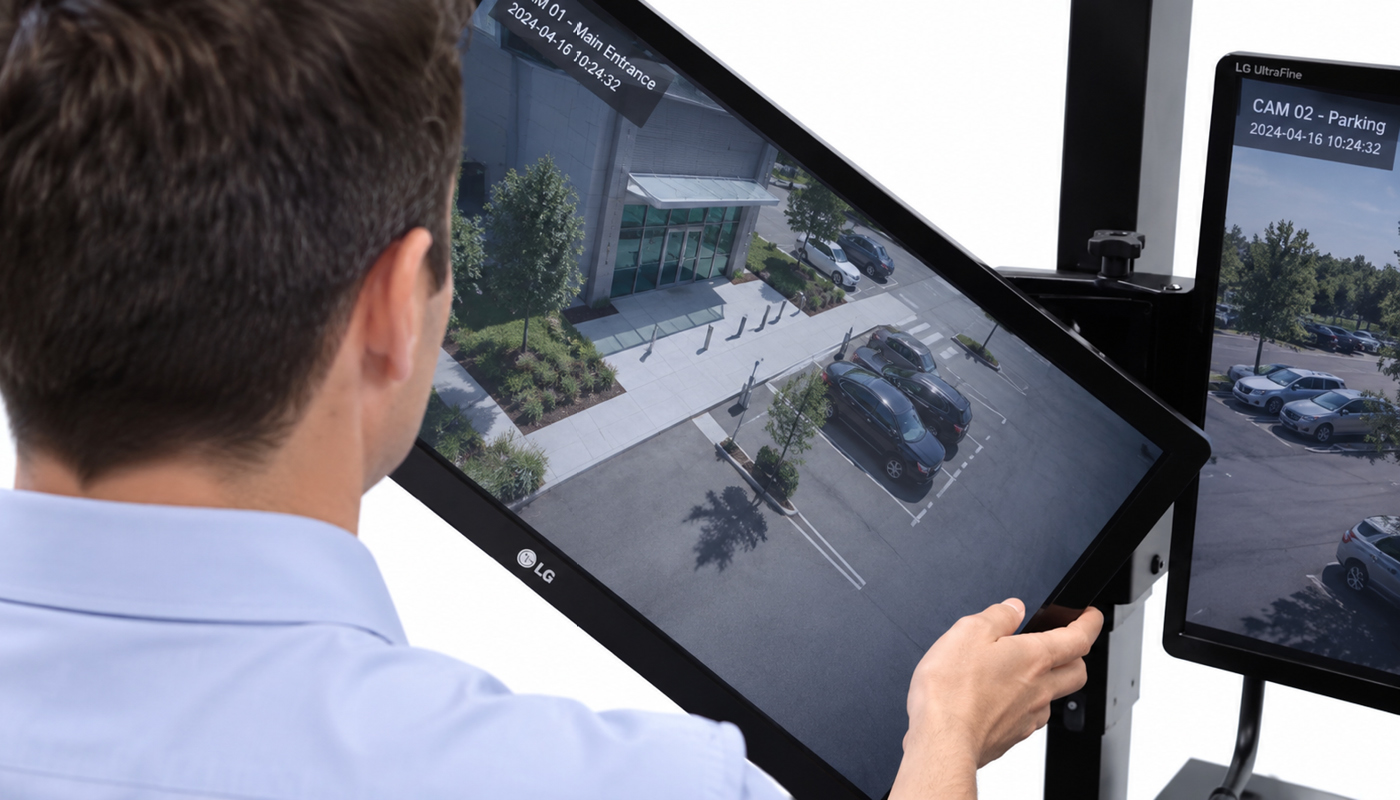
Equipped with easy-grasp handles, the ComfortView™ Monitor Mounting System allows operators to smoothly, quickly, and effortlessly reposition the entire monitor array anywhere along the desktop surface, even to its front edge. This allows operators to intuitively bring critical information closer and into their optimal viewing range as needed, without interrupting their workflow or their worksurface.
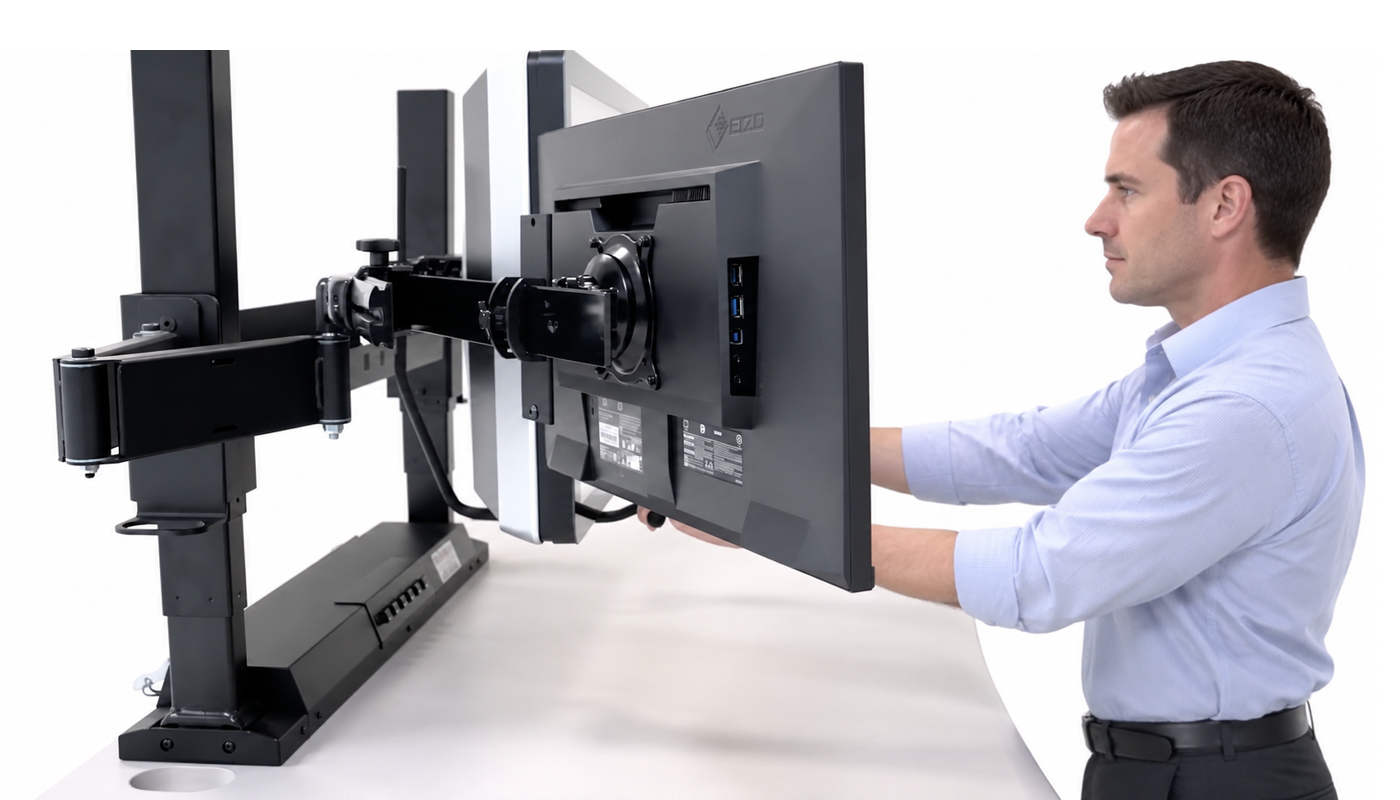
The ComfortView™ Monitor Mounting System allows operators to independently adjust each monitor to their preferred viewing height, distance, and angle, including changing its orientation from landscape to portrait. This flexibility enables operators to customize their monitor configuration to accommodate individual viewing preferences and evolving operational requirements.
The ComfortView™ Glide’s revolutionary floating work surface intuitively adjusts to the operator’s subtle, natural shifts in posture, promoting continuous postural variability and sustained comfort without interrupting focus or workflow.
Positioning that endures
Large monitors, multiple display tiers, and extended mounting structures create significant weight and cantilever forces. A monitor system may offer extensive movement, but that movement is of limited value if screens sag, drift, vibrate, or fall out of alignment during continuous use. Precision monitor positioning depends on a structure capable of supporting substantial arrays without sacrificing alignment, stability, or longevity.
Superior ergonomic engineering & structural integrity
ComfortView™ is engineered to combine adjustability with the structural integrity required to maintain monitor relationships after positioning. This stability protects the visual coherence of the array and helps preserve ergonomic performance as the console is repeatedly adjusted throughout years of continuous operation.
Precision that remains precise
Engineered for the rigorous demands of continuous security operations, ComfortView™ provides the structural strength required to securely support multiple large, heavy, and high value monitors. Its robust construction preserves alignment and optimal positioning through years of repeated adjustment, without sagging, drifting, or tilting forward.
The exceptional structural stability of the ComfortView™ Monitor Mounting System preserves precise monitor alignment, visual continuity, and ergonomic integrity through countless adjustments and the unrelenting demands of continuous operation, ensuring dependable performance for years to come.
LET'S TALK
Bring critical information into better focus
Every effective configuration begins with an understanding of the operators, applications, monitor requirements, visual priorities, and spatial conditions that define the control room. Let's talk about your project, and we will help you explore a customized solution designed around your present requirements and long term objectives.
Thank you! Your submission has been received!
Oops! Something went wrong while submitting the form.